Photo to Text AI

Photo to Text Converter - 이미지에서 텍스트 추출 | 무료 OCR

소개

Photo to Text Converter로 이미지 JPG PNG PDF에서 텍스트를 무료로 추출하세요. OCR로 사진에서 텍스트 변환 후 Word Excel에 복사. 간단 모드와 고급 모드 지원.


소셜 및 이메일:

업데이트된 날짜:

2026년 8월 6일

월간 방문자 수:

SimilarWeb Icon
--

제휴 프로그램:

No

📝 Text
Freemium

Photo to Text AI's 개요

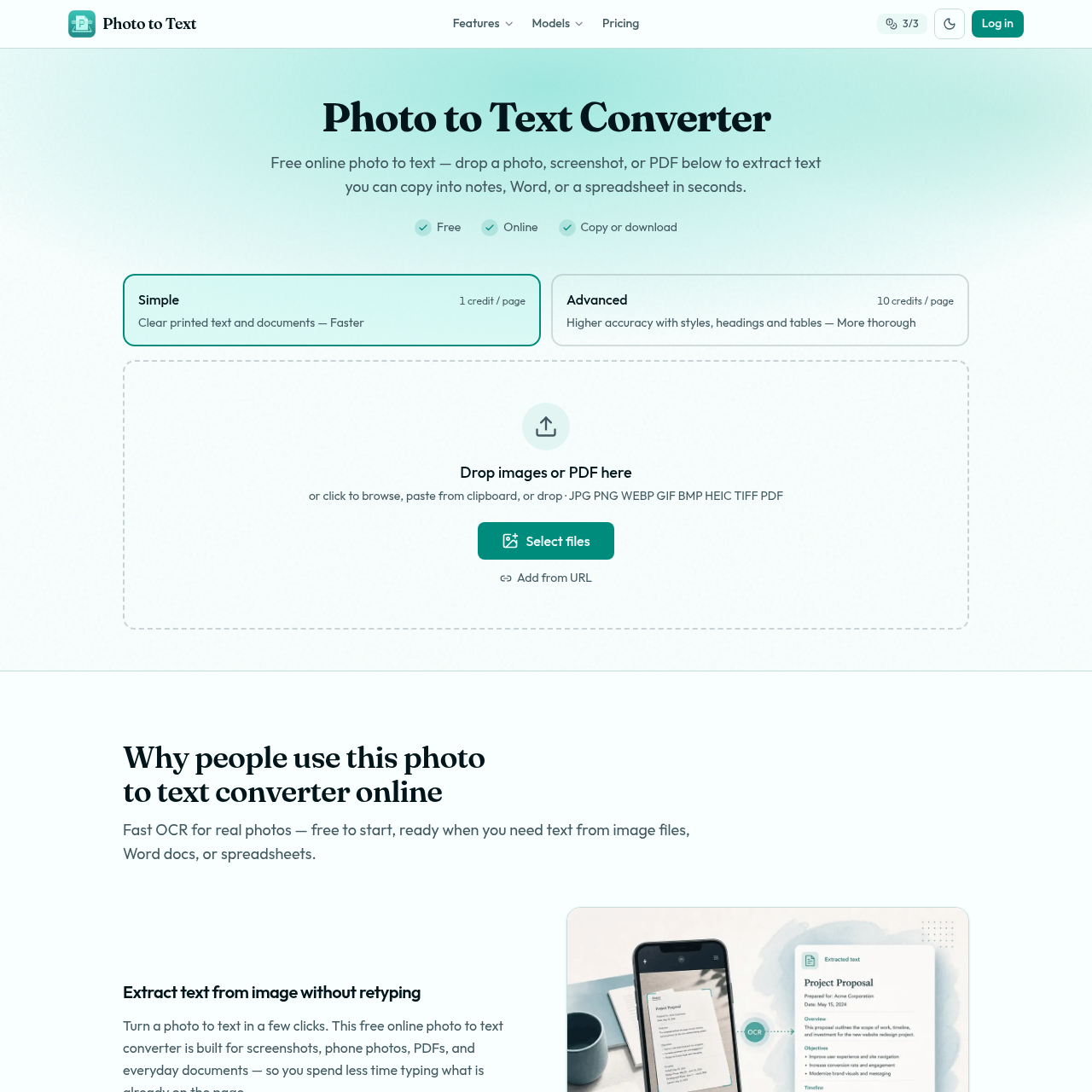
Photo to Text Converter is a free online OCR tool from Photo to Text that extracts text from images, screenshots, photos, scans, and PDFs so users can copy content into Word, notes, email, spreadsheets, or download formats like DOCX, Markdown, and TXT. It offers two OCR modes: Simple for clear printed text and Advanced for harder documents, including blurry photos, tilted pages, handwriting, crowded layouts, and tables. The platform supports common file types such as JPG, PNG, WEBP, HEIC, TIFF, GIF, BMP, and PDF, and emphasizes fast conversion, no sign-up to start, and privacy for guest conversions.


Photo to Text AI's 특징

  • Free online OCR text extraction

  • Simple OCR mode for clear printed text

  • Advanced OCR mode for blurry, tilted, handwritten, crowded, or table-heavy documents

  • Supports JPG, PNG, PDF, WEBP, HEIC, TIFF, GIF, and BMP

  • Copy extracted text or download DOCX, Markdown, and TXT

  • Word and Excel conversion paths for editable documents and spreadsheets

  • No sign-up required to start

  • Guest privacy protection for conversions


Photo to Text AI's Q&A


Photo to Text AI's 장단점

장점

  • Free to start without signing up
  • Supports many common image and PDF formats
  • Simple and Advanced OCR modes cover easy and difficult documents
  • Useful Word and Excel workflows for editable output
  • Guest conversions are described as private and not stored

단점

  • Advanced mode requires credits or a paid plan for more volume
  • Simple mode is only described as best for clear photos and screenshots
  • The page does not provide detailed plan pricing on the main converter page
  • Handwriting and crowded layouts may require Advanced mode
  • Users needing full document formatting may need the dedicated Word converter

Photo to Text AI's 사용 사례

  • Extract text from screenshots without retyping
  • Convert scanned PDFs into reusable text
  • Copy text from phone photos into Word or email
  • Turn receipts and invoices into spreadsheet rows and columns
  • Extract table data for Excel editing
  • Convert handwritten or crowded documents using Advanced OCR

Photo to Text AI's 대상 고객

  • Students
  • Office workers
  • Small business owners
  • Freelancers
  • People working with receipts, invoices, and scanned documents
  • Users who need OCR for screenshots, PDFs, and photos

Photo to Text AI's 가격 책정

Free online photo to text conversion is available without signing up. Credits and plans unlock more volume and Advanced OCR mode. The pricing section shows Simple at 1 credit per page and Advanced at 10 credits per page.

Photo to Text AI's 분석

웹사이트 개요

다음에 대한 주요 성과 지표 photototext.ai

이탈률

0.00%

페이지 / 방문

0.00

총 방문 횟수

0

현장 체류 시간

0m 0s

글로벌 순위

#0

국가 순위

#0

인기 지역

국가별 트래픽 분포

No data available.

    총 방문자 수

    지난 3개월간 월별 방문자 통계

    하락 추세 by 0.0% 이번 달
    April - June 2026

    트래픽 소스

    트래픽 소스 분포

    Social:
    0.0%
    Mail:
    0.0%
    Referrals:
    0.0%
    Search:
    0.0%
    Direct:
    0.0%
    지배적인 소스: Social
    0.0% 총 트래픽의

    Photo to Text AI's 대안