Claude in Excel - AI 기반 스프레드시트 도우미
소개
Claude in Excel은 Microsoft Excel에서 인공지능 지원을 통해 복잡한 모델 이해, 오류 디버깅 및 재무 모델 작성을 돕습니다.

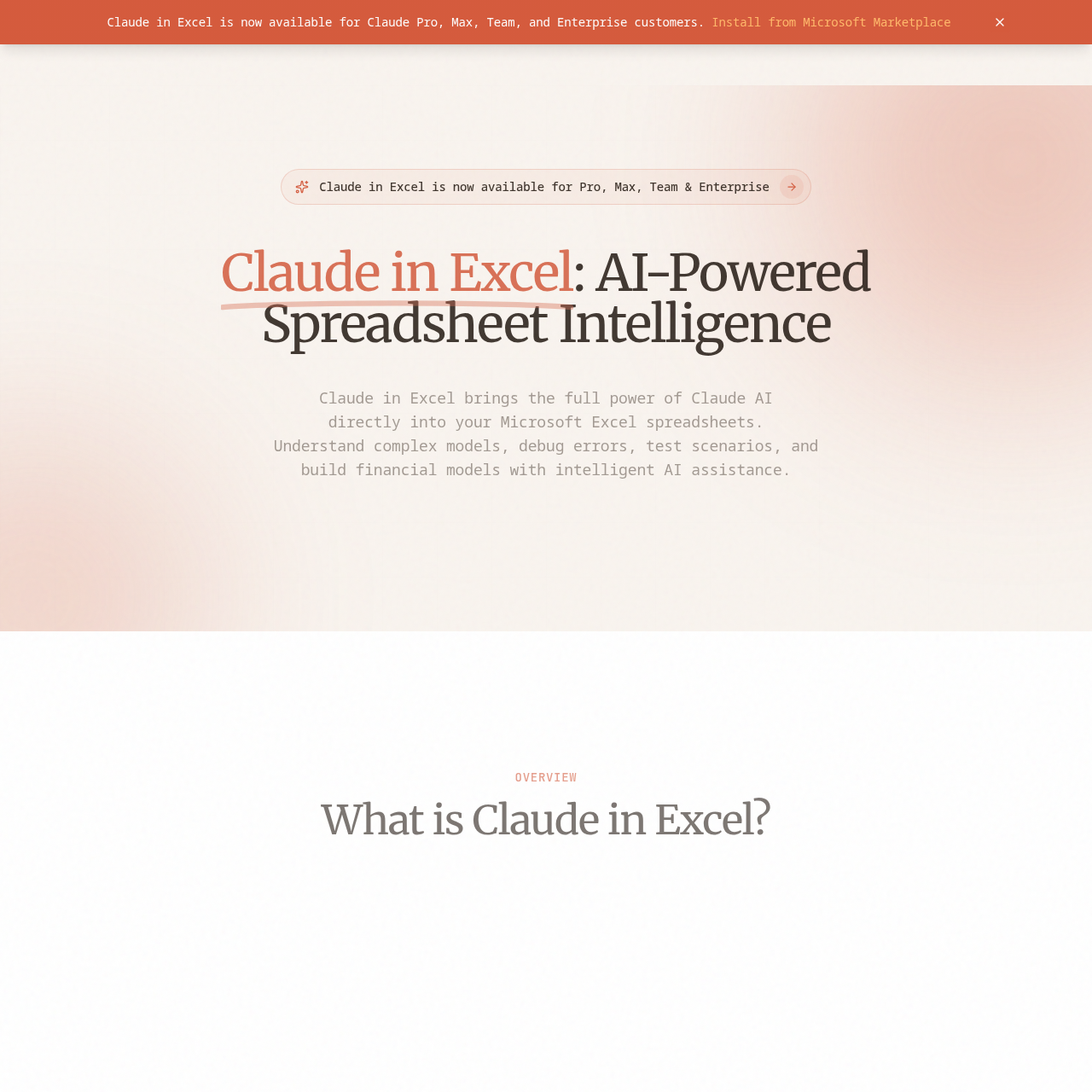
Claude in Excel's 개요
Claude in Excel is an innovative AI-powered add-in that seamlessly integrates Claude AI into Microsoft Excel, enabling users to enhance their spreadsheet workflows. It simplifies complex modeling, error debugging, and scenario testing while assisting in financial model creation. Available at no extra cost to Claude Pro, Max, Team, and Enterprise subscribers, it offers a user-friendly experience through natural language interaction. Claude ensures enterprise-level security and privacy as users seek insights and assistance for their data.
Claude in Excel's 특징
Native Excel integration
Full workbook understanding
Conversational AI interface
Error debugging
Scenario testing
Model building
Formula assistance
Data analysis
Claude in Excel's Q&A
Claude in Excel's 가격 책정
Claude in Excel is free for Claude subscribers, with no additional cost for Pro, Max, Team, and Enterprise plans.
Claude in Excel's 분석
웹사이트 개요
다음에 대한 주요 성과 지표 claudeinexcel.com
이탈률
39.85%
페이지 / 방문
1.03
총 방문 횟수
137
현장 체류 시간
0m 0s
글로벌 순위
#0
국가 순위
#0
인기 지역
국가별 트래픽 분포
- 1.Kyrgyzstan81.94%
- 2.South Africa18.06%
총 방문자 수
지난 3개월간 월별 방문자 통계
트래픽 소스
트래픽 소스 분포