Claude en Excel - Asistente de Hoja de Cálculo Potenciado por IA
Introducción
Transforma tu flujo de trabajo en Excel con Claude en Excel. Asistente de IA que entiende modelos complejos, depura errores y optimiza fórmulas.

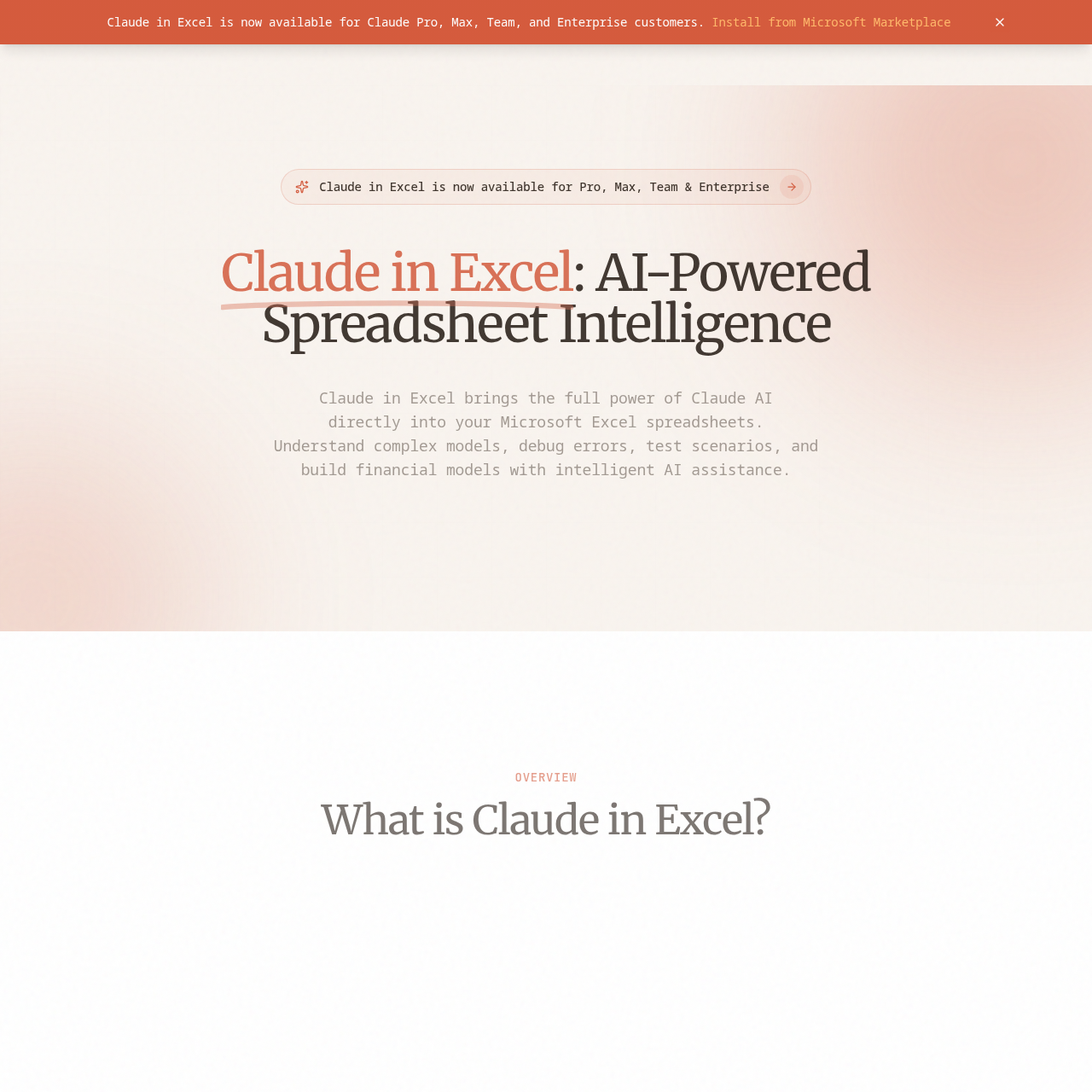
Claude in Excel's Visión general
Claude in Excel is an AI-powered add-in for Microsoft Excel that integrates Claude AI directly into your spreadsheet workflow. It enables users to understand complex models, debug errors, test scenarios, and build financial models with intelligent assistance. The add-in is available for Claude Pro, Max, Team, and Enterprise subscribers at no additional cost, providing a seamless experience within Excel. Users can interact with Claude using natural language to get insights, explanations, and assistance with their data, all while ensuring enterprise-level security and privacy.
Claude in Excel's Características
Native Excel integration
Full workbook understanding
Conversational AI interface
Error debugging
Scenario testing
Model building
Formula assistance
Data analysis
Claude in Excel's PREGUNTAS Y RESPUESTAS
Claude in Excel's Ventajas e inconvenientes
Pros
- Seamless integration with Excel
- Natural language interaction
- Enterprise-ready security
- Time-saving on complex analysis
- Reduces errors and increases confidence
Contras
- Limited to Claude subscribers
- Requires installation of an add-in
- Dependent on internet connectivity
- May have a learning curve for new users
- Not available for free users
Claude in Excel's Casos prácticos
- Financial modeling
- Data analysis
- Error debugging
- Scenario testing
- Formula optimization
Claude in Excel's Público destinatario
- Financial analysts
- Data scientists
- Business professionals
- Excel power users
- Students and educators
Claude in Excel's Precios
Claude in Excel is free for Claude subscribers, with no additional cost for Pro, Max, Team, and Enterprise plans.
Claude in Excel's Analítica
Resumen del sitio web
Indicadores clave de rendimiento para claudeinexcel.com
Tasa de rebote
39.85%
Páginas / Visita
1.03
Total de visitas
137
Tiempo in situ
0m 0s
Clasificación mundial
#0
Rango del país
#0
Regiones principales
Distribución del tráfico por países
- 1.Kyrgyzstan81.94%
- 2.South Africa18.06%
Visitantes totales
Estadísticas mensuales de visitas de los últimos 3 meses
Fuentes de tráfico
Distribución de las fuentes de tráfico