VidBG Remover | AI Video Background Remover with Transparent Export
Introduction
Remove video backgrounds in minutes with AI. No green screen needed. Upload MP4, MOV, or WebM and get transparent results fast.

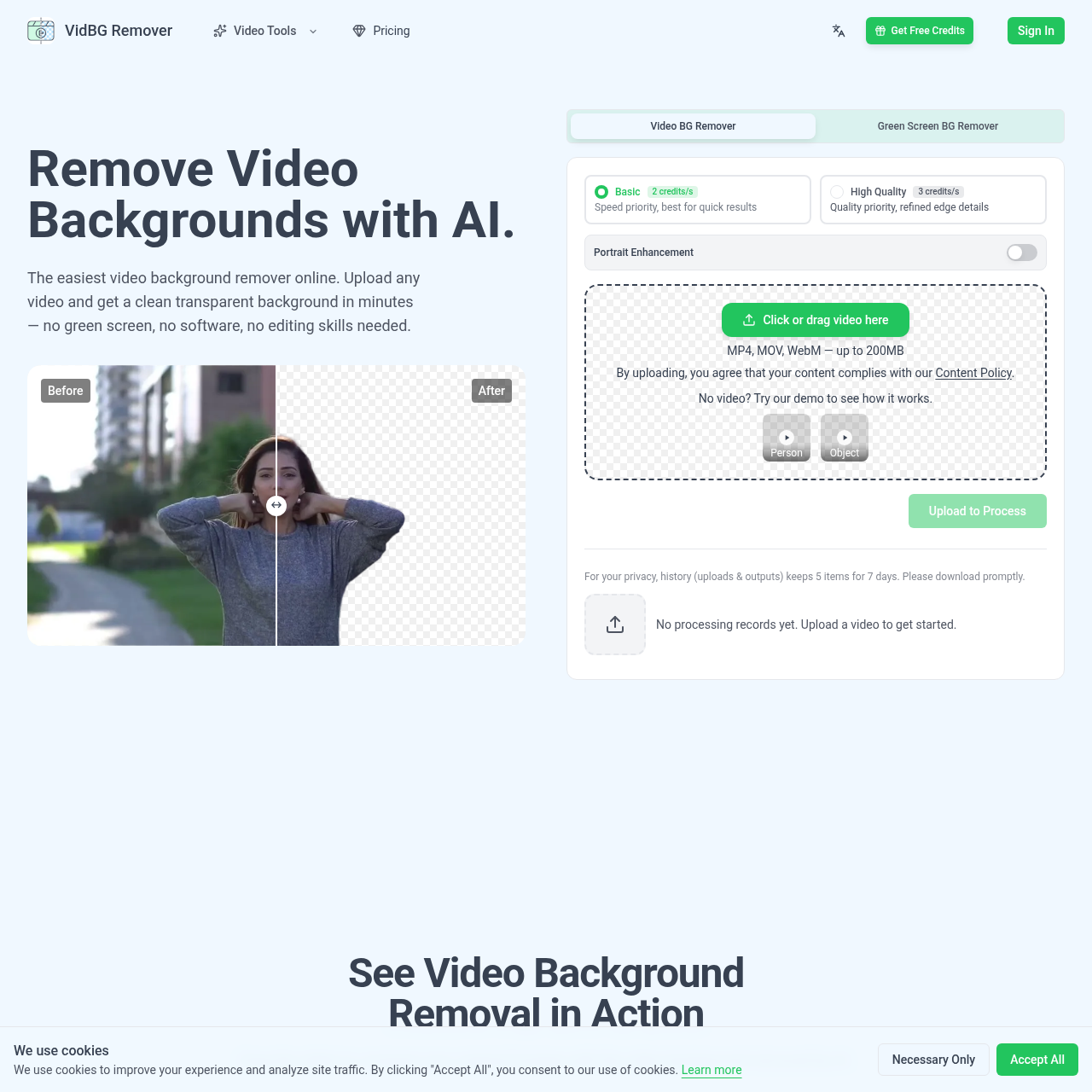
VidBG Remover's Overview
VidBG Remover is an AI video background remover that lets users upload MP4, MOV, or WebM files and generate clean transparent backgrounds in minutes without a green screen, software installation, or editing skills. It supports stable edge detection for hair, fingers, and fast motion, and exports transparent video as WebM (VP9) or MOV (ProRes 4444) for use in editors like Premiere, DaVinci Resolve, After Effects, and CapCut. The product is positioned for talking heads, e-commerce ads, online courses, action shots, animal clips, and automotive visuals, with pay-as-you-go credits and no subscriptions.
VidBG Remover's Features
AI video background removal
No green screen required
Supports MP4, MOV, and WebM uploads
Exports transparent WebM (VP9) and MOV (ProRes 4444)
True alpha channel export
Stable edges with no flickering
Portrait enhancement
Cloud-based processing with no software installation
VidBG Remover's Q&A
VidBG Remover's Pros and Cons
Pros
- No green screen or software installation required
- Transparent export with a real alpha channel
- Stable edges for hair, fingers, and motion
- Pay-as-you-go pricing with no subscription
- Supports common video editing workflows
Cons
- Maximum upload size is limited to 200MB
- The site indicates most clips are ready in minutes, but exact timing depends on video length
- Free usage details are limited to free credits / free trial messaging rather than a clearly stated free plan
- Pricing is credit-based, which may be less straightforward than flat-rate plans
- FAQ section lists questions but does not show full answers on the page
VidBG Remover's Use Cases
- Talking heads and creator videos
- E-commerce ads and product videos
- Online course and lecture recordings
- Action shots with fast movement
- Animal memes and viral clips
- Automotive and car effect visuals
- Compositing subjects into new scenes
VidBG Remover's Target Audience
- Content creators
- Reviewers
- Real estate agents
- E-commerce marketers
- Online educators
- Editors using Premiere, DaVinci Resolve, After Effects, or CapCut
- Agencies and power users
VidBG Remover's Pricing
Pay-as-you-go credit packs with no subscriptions. Starter is $9.9 for 240 credits, Creator is $29.9 (discounted from $39.6) for 960 credits, Pro is $79.9 (discounted from $123.8) for 3,000 credits, and Max is $199.9 (discounted from $495) for 12,000 credits. Credits never expire.
VidBG Remover's Analytics
Website Overview
Key performance metrics for vidbgremover.com
Bounce Rate
0.00%
Pages / Visit
0.00
Total Visits
0
Time on Site
0m 0s
Global Rank
#0
Country Rank
#0
Top Regions
Distribution of traffic by country
Total Visitors
Monthly visitor statistics for the last 3 months
Traffic Sources
Distribution of traffic sources