AtAt for Mac | AI Agent, TabTab Autocomplete, Clipboard History
Introduction
Ask your AI agent in any Mac app with @@, use TabTab autocomplete, selection actions, clipboard history, and screen capture.

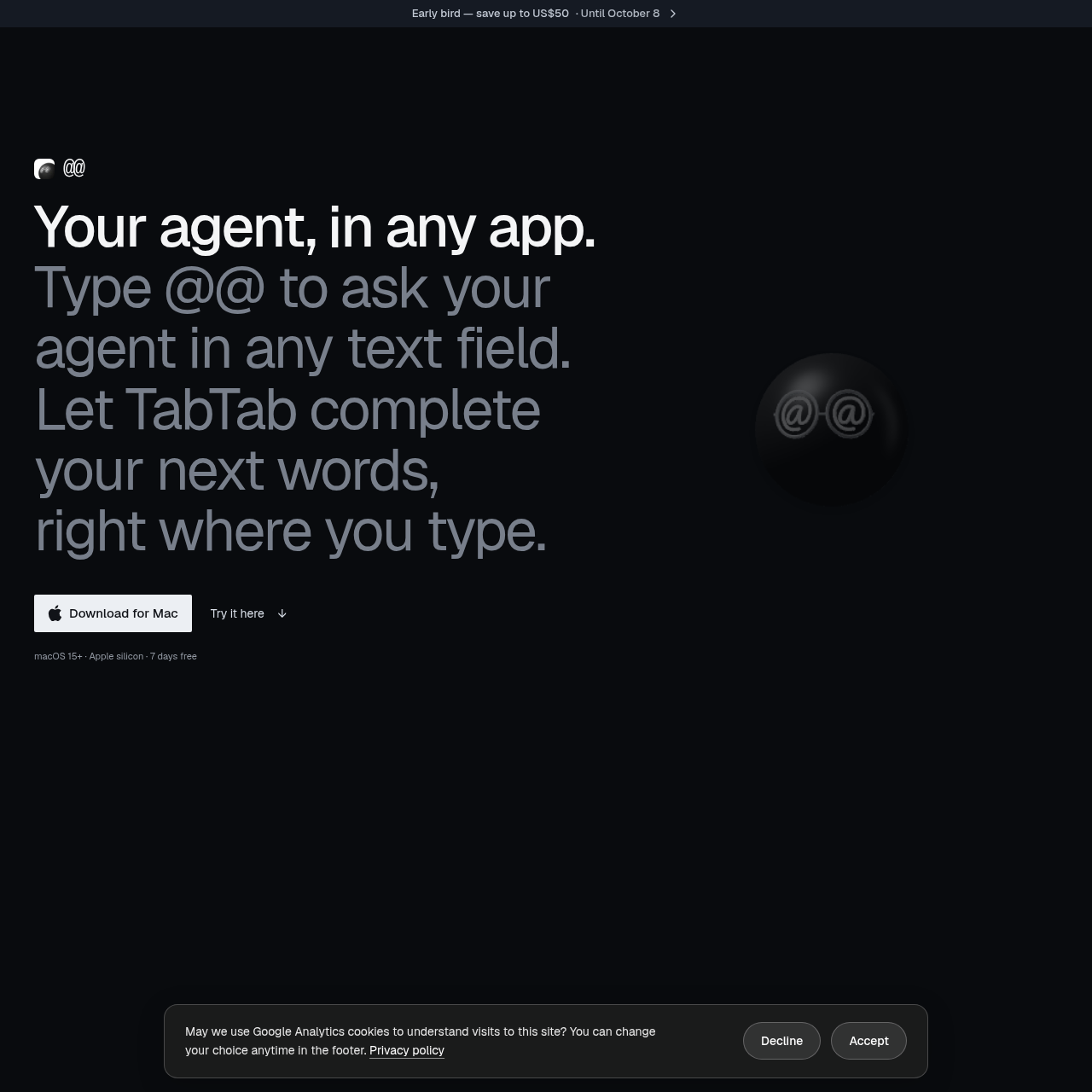
AtAt for Mac's Overview
AtAt for Mac is a native macOS 15+ agent app that lets you type @@ in any editable text field to ask your AI agent without leaving the app you’re using. It also includes TabTab word completion, selection actions, clipboard history, screen capture, and recording tools, plus support for bring-your-own agent setups through CLI, API, local models, and provider keys. Designed for Apple silicon Macs, AtAt keeps history on-device by default and offers optional iCloud Sync control.
AtAt for Mac's Features
Type @@ in any editable text field to ask your agent
TabTab next-word completion across Mac apps
Selection actions to rewrite, explain, or ask about highlighted text
Native macOS app with no Electron
Bring your own agent via CLI, API, or local model
Support for OpenRouter, OpenAI, Anthropic, DeepSeek, Ollama, and Siri AI
Clipboard history with searchable local storage
Screen capture and screen recording with OCR
AtAt for Mac's Q&A
AtAt for Mac's Pros and Cons
Pros
- Works directly inside text fields without switching apps
- Supports multiple agent providers and local models
- Includes useful non-agent tools like screenshots and clipboard history
- Native macOS app built for Apple silicon
- History stays on the Mac by default with optional iCloud Sync
Cons
- Requires Apple silicon and macOS 15 or later
- Some features require macOS 26 or later
- Pricing details can vary by plan and early-bird timing
- Not all secure fields support the @@ workflow
- Usage reporting is on by default unless disabled
AtAt for Mac's Use Cases
- Drafting replies without leaving Messages or email
- Completing sentences and writing faster in text fields
- Rewriting or explaining selected passages
- Capturing screenshots and recordings with editing tools
- Keeping and reusing clipboard history
- Continuing agent tasks in another app or terminal
AtAt for Mac's Target Audience
- Mac users who want AI assistance inside any app
- Writers and professionals who spend time in email, chat, and documents
- Developers using terminals and code editors
- Users who prefer local-first clipboard and history workflows
- People who want a native macOS AI agent tool on Apple silicon Macs
AtAt for Mac's Pricing
7 days free. Paid plans include AtAt Yearly at $59 billed yearly and AtAt Lifetime at $169 one payment. Early bird pricing mentions up to US$10 off yearly and US$50 off lifetime until October 8. All listed prices exclude taxes; a 30-day refund promise is included with Yearly. Lifetime includes future updates and use on up to 3 Macs.
AtAt for Mac's Analytics
Website Overview
Key performance metrics for atatapp.com
Bounce Rate
53.82%
Pages / Visit
1.46
Total Visits
215
Time on Site
0m 43s
Global Rank
#0
Country Rank
#0
Top Regions
Distribution of traffic by country
Total Visitors
Monthly visitor statistics for the last 3 months
Traffic Sources
Distribution of traffic sources