AtAt pour Mac — Votre agent, dans n'importe quelle app
Introduction
Utilisez AtAt sur Mac pour invoquer votre agent dans tout champ texte avec @@. Laissez TabTab compléter vos mots, capturez des écrans et gérez le presse-papiers. App native macOS avec modèles locaux et API.

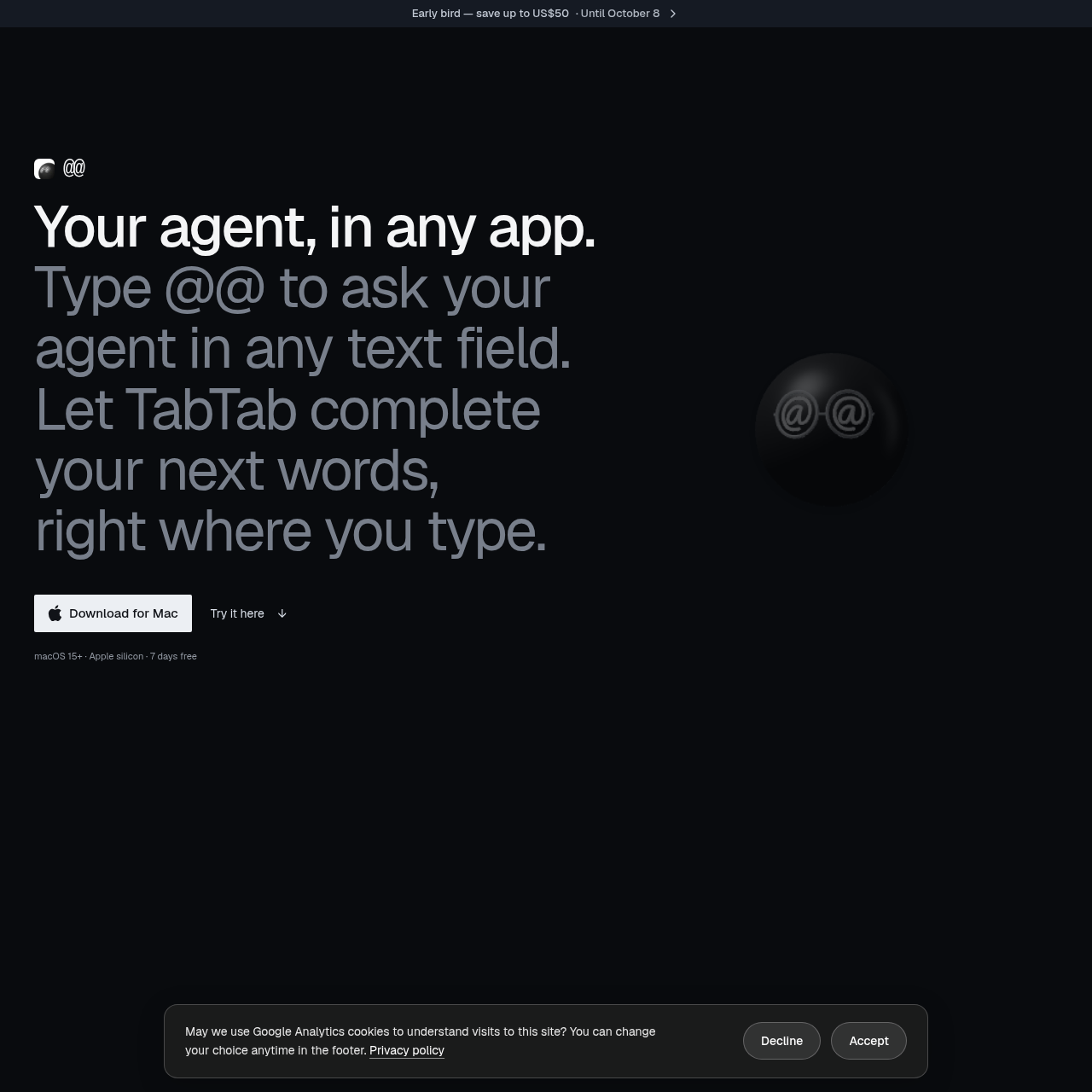
AtAt for Mac's Vue d'ensemble
AtAt pour Mac est une app native macOS 15+ qui permet de taper @@ dans tout champ texte éditable pour interroger votre agent IA sans quitter l'app. Inclut complétion TabTab, actions sélection, historique clipboard, capture écran et enregistrement, plus support bring-your-own-agent via CLI API modèles locaux et clés providers. Conçu pour Apple silicon, historique on-device par défaut avec option sync iCloud contrôlée par vous. Parfait pour pros Mac qui veulent boost productivité avec IA locale ou cloud.
AtAt for Mac's Caractéristiques
Taper @@ dans tout champ texte éditable pour demander à agent IA
Complétion TabTab mots suivants sur apps Mac
Actions sélection pour réécrire expliquer ou questionner texte surligné
App native macOS sans Electron pour Apple silicon
Support bring your own agent via CLI API ou modèle local Ollama
Historique clipboard stockage local searchable avec sync iCloud optionnelle
Capture écran et enregistrement avec OCR intégré
AtAt for Mac's Q&R
AtAt for Mac's Tarification
7 jours essai gratuit. Plans payants : AtAt Annuel à 59 USD facturé annuellement et AtAt Lifetime à 169 USD paiement unique. Prix early bird jusqu'à 10 USD off annuel et 50 USD off lifetime jusqu'au 8 octobre. Prix hors taxes, promesse remboursement 30 jours pour Annuel. Lifetime inclut mises à jour futures et usage sur max 3 Macs.
AtAt for Mac's Analyse
Aperçu du site web
Principaux indicateurs de performance pour atatapp.com
Taux de rebond
53.82%
Pages / Visite
1.46
Total des visites
215
Temps passé sur place
0m 43s
Classement mondial
#0
Rang du pays
#0
Principales régions
Répartition du trafic par pays
Total des visiteurs
Statistiques mensuelles des visiteurs pour les 3 derniers mois
Sources de trafic
Répartition des sources de trafic