Image to Video AI | AI Image-to-Video Generator for Product Clips
Introduction
Turn photos, product images, and posters into short AI video clips with Image to Video AI. Preview motion prompts and start free.

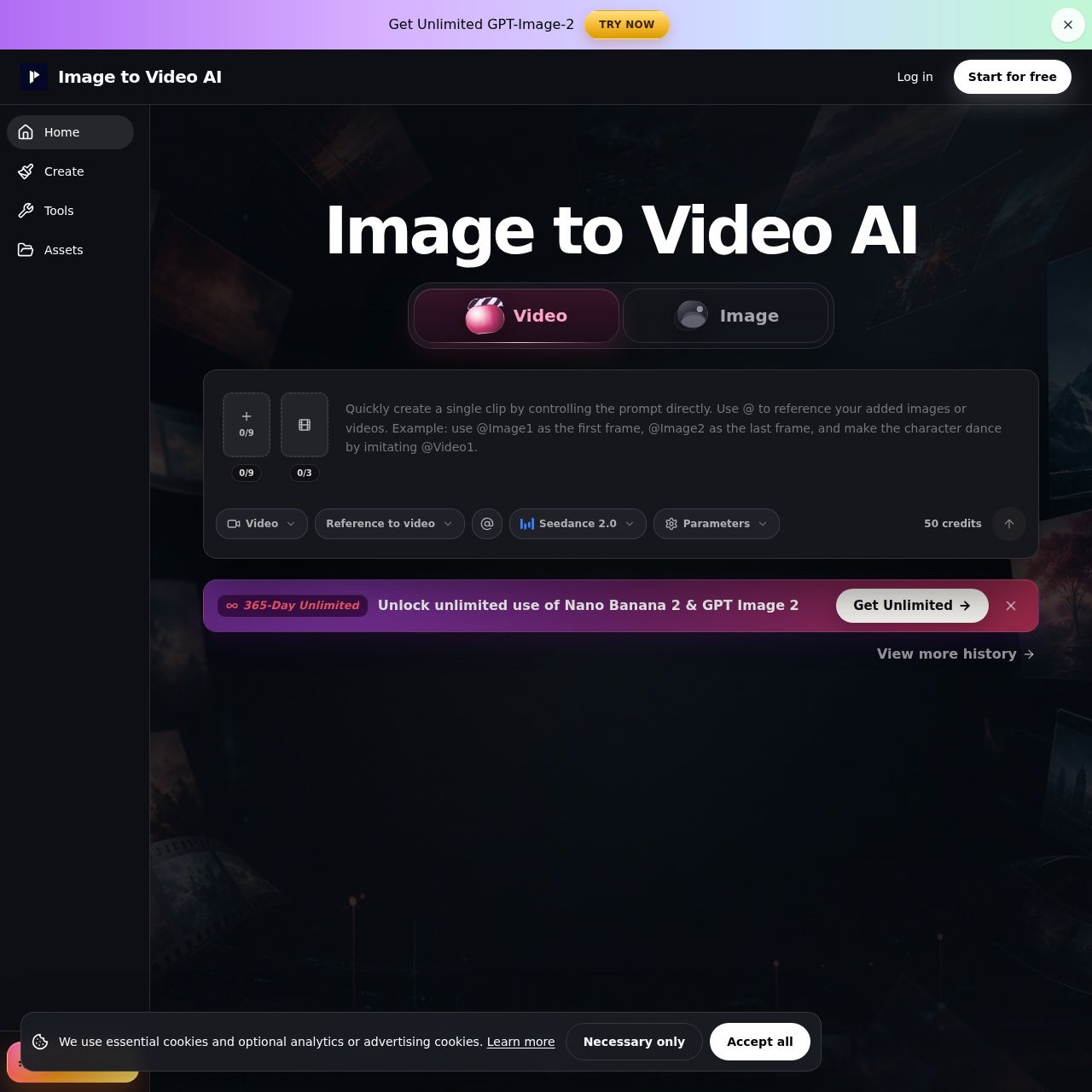
Image to Video AI's Overview
Image to Video AI is an online image-to-video generator that turns product photos, portraits, posters, and AI-generated images into short AI videos for product pages, ads, Reels, Shorts, and creative reviews. The platform offers multiple workflows, including text/image to video, frames to video, and reference to video, so users can choose the level of control needed for each shot. It emphasizes simple motion prompts, clean source images, aspect-ratio matching, and preview-before-export workflows to improve consistency. Free credits are available after signup, while paid plans are positioned for watermark-free exports, privacy controls, and commercial use.
Image to Video AI's Features
Image-to-video generation from uploaded photos, product images, posters, and AI art
Text/image to video workflow for quick single-image animation
Frames to video workflow for defined start and end shots
Reference to video workflow guided by uploaded images, video, or audio
Preview-before-export clip review
Support for common image formats such as JPG, PNG, JPEG, and WebP
Free credits after signup
Credit-based generation with failed jobs handled separately
Image to Video AI's Q&A
Image to Video AI's Pros and Cons
Pros
- Multiple workflows for different levels of control
- Well suited for product clips and social media content
- Free credits available after signup
- Clear guidance for improving consistency and results
- Supports common image formats and preview-before-export
Cons
- Perfect frame-by-frame consistency is not guaranteed
- Fast movement, text, logos, and long shots can still drift
- Watermark-free exports and some controls require a paid plan
- Complex prompts and multiple actions are discouraged
- Final client work may still need review and editing
Image to Video AI's Use Cases
- Product images into short demos
- Portraits and character motion clips
- Poster, thumbnail, and AI art animations
- Short social clips for Reels and Shorts
- Landing-page motion and creative testing
- Before-and-after transitions and product reveals
Image to Video AI's Target Audience
- Ecommerce brands
- Social media marketers
- Content creators
- Digital advertisers
- Designers and creative teams
- Agencies and product marketers
Image to Video AI's Pricing
Free credits are available after signup. Failed generations do not consume credits. Paid plans are better suited for higher-volume usage, watermark-free exports, privacy controls, and commercial workflows.
Image to Video AI's Analytics
Website Overview
Key performance metrics for image-to-video-ai.best
Bounce Rate
0.00%
Pages / Visit
0.00
Total Visits
0
Time on Site
0m 0s
Global Rank
#0
Country Rank
#0
Top Regions
Distribution of traffic by country
Total Visitors
Monthly visitor statistics for the last 3 months
Traffic Sources
Distribution of traffic sources