Video Compressor Online | Compress MP4, WebM, MOV & MKV Free - VidPackit
Introduction
Compress MP4, WebM, MOV and MKV in your browser with no upload, watermark or signup. Pick a level and download a smaller video.

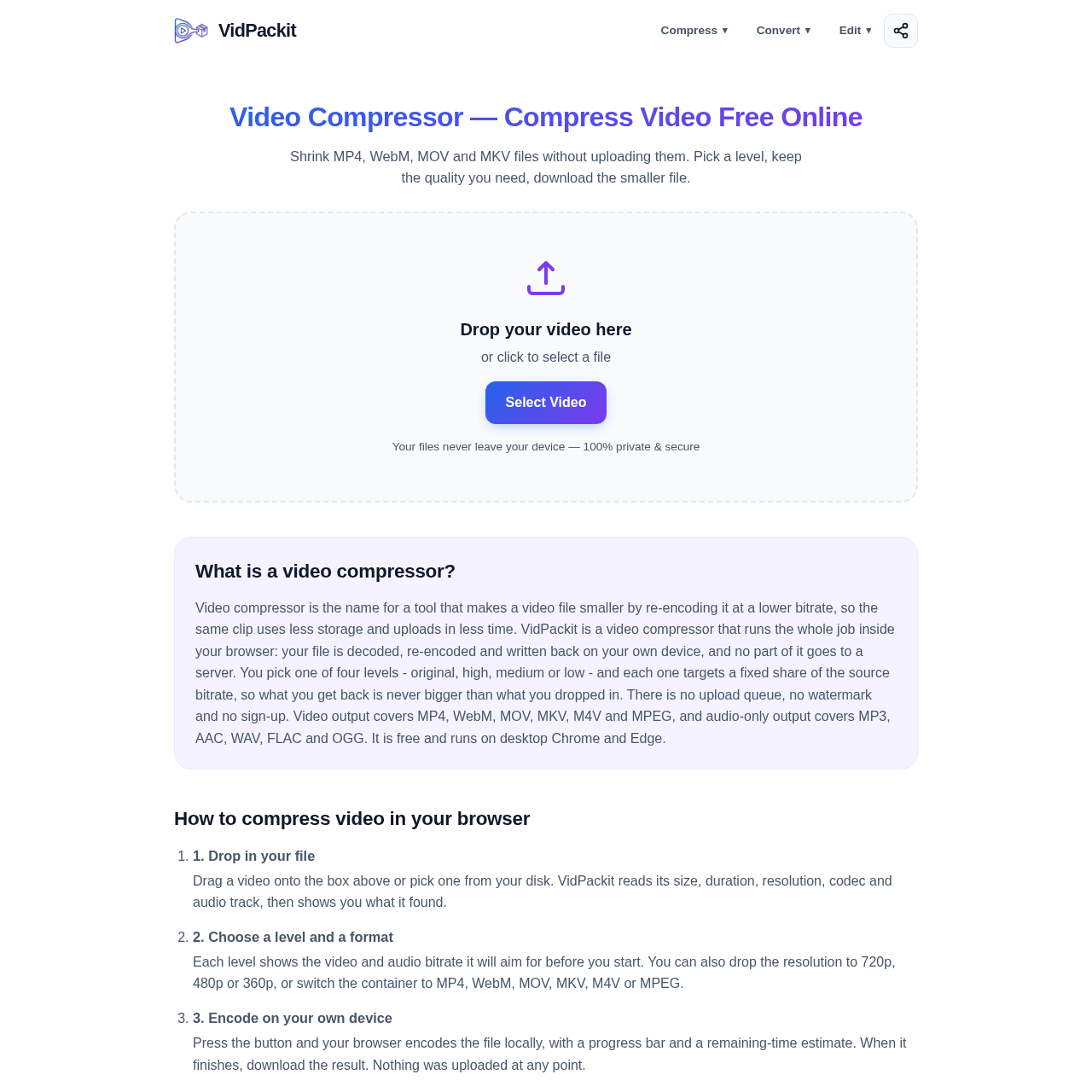
VidPackit's Overview
VidPackit Video Compressor is a free, 100% client-side online video compression tool that shrinks MP4, WebM, MOV, MKV, M4V, and MPEG files directly in the browser without uploading them. It lets users choose compression levels (Original, High, Medium, Low), adjust resolution, and convert to video or audio-only formats while keeping files private on the user’s device. VidPackit also supports related browser-based tools such as trim video, extract frames, and format conversion.
VidPackit's Features
100% client-side video compression in the browser
No upload required; files stay on the user’s device
Compression levels: Original, High, Medium, Low
Resolution options: 720p, 480p, 360p
Output video formats: MP4, WebM, MOV, MKV, M4V, MPEG
Audio-only output formats: MP3, AAC, WAV, FLAC, OGG
Progress bar and remaining-time estimate during conversion
No sign-up, no watermark, no daily limit
VidPackit's Q&A
VidPackit's Pros and Cons
Pros
- Files never leave the device, supporting privacy and security
- Free to use with no account or watermark
- Supports multiple output formats and resolution settings
- Shows bitrate targets before conversion
- Works offline after the page loads because it does not need a connection
Cons
- Best experience is limited to desktop Chrome and Edge
- Performance may be slower or conversion may fail if WebCodecs support is incomplete
- Large files are constrained by device memory rather than a server limit
- Some browser/codec combinations grey out unsupported formats
- AAC encoding below 96 kbps is raised to a floor in Chrome
VidPackit's Use Cases
- Compressing videos to reduce file size
- Preparing videos for faster uploads and sharing
- Converting videos between common containers
- Extracting audio from video files
- Trimming clips and extracting frames in-browser
VidPackit's Target Audience
- Users who need a free online video compressor
- Privacy-conscious users who want local browser-based processing
- Content creators and editors handling MP4, MOV, MKV, or WebM files
- People needing quick video-to-audio conversion
- Users on desktop Chrome or Edge looking for an easy no-upload workflow
VidPackit's Pricing
VidPackit is described as free to use, with no account, no payment step, no daily limit, and no watermark.
VidPackit's Analytics
Website Overview
Key performance metrics for vidpackit.com
Bounce Rate
0.00%
Pages / Visit
0.00
Total Visits
0
Time on Site
0m 0s
Global Rank
#0
Country Rank
#0
Top Regions
Distribution of traffic by country
Total Visitors
Monthly visitor statistics for the last 3 months
Traffic Sources
Distribution of traffic sources