Text Deblur | Free AI Blur Text Enhancer Online
Introduction
Deblur blurry text in screenshots, notes, scans, and photos online free. No signup or watermark.

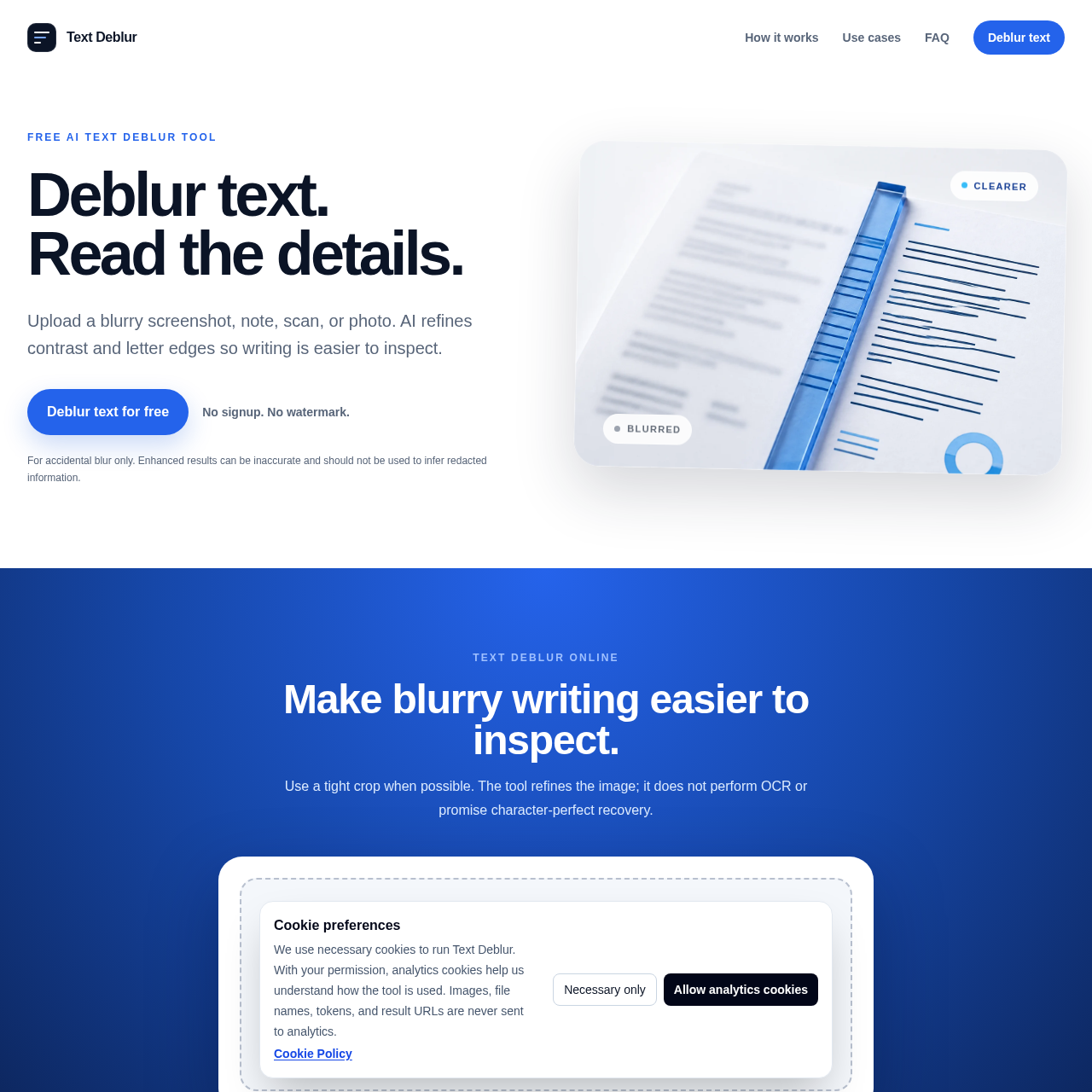
Text Deblur's Overview
Text Deblur is a free AI text deblur tool that enhances blurry text images online. It refines contrast and letter edges to make writing easier to inspect in screenshots, notes, scans, signs, labels, and photos. The tool supports common image formats, requires no signup, adds no watermark, and offers private processing with downloadable results. Text Deblur is designed for accidental blur only and does not perform OCR or guarantee character-perfect recovery.
Text Deblur's Features
AI-assisted text image enhancement
Contrast and letter-edge refinement
Supports JPG, PNG, WebP, AVIF, GIF, BMP, TIFF, HEIC, and HEIF
No signup required
No watermark
Private result links
24-hour link expiration
JPG output by default; transparent images stay PNG
Text Deblur's Q&A
Text Deblur's Pros and Cons
Pros
- Free to use up to 20 images per UTC day
- No account required
- No watermark on results
- Supports many common image formats
- Private links and scheduled deletion for uploaded files
Cons
- Does not perform OCR
- Cannot reliably recover intentionally redacted or covered text
- Results may vary and can be inaccurate on severe blur
- Best results require a tight crop and some visible letter structure
- Not suitable for character-perfect recovery
Text Deblur's Use Cases
- Blurred notes and whiteboards
- Screenshots and UI text enhancement
- Scans and documents
- Signs, labels, and packaging text
- Low-resolution pages for reading or manual transcription
Text Deblur's Target Audience
- Students
- Office workers
- Researchers
- Designers
- Anyone needing to inspect blurry text in images
Text Deblur's Pricing
Free AI text deblur tool. No signup, no watermark, and up to 20 free images per UTC day. Private links expire in 24 hours.
Text Deblur's Analytics
Website Overview
Key performance metrics for textdeblur.com
Bounce Rate
0.00%
Pages / Visit
0.00
Total Visits
0
Time on Site
0m 0s
Global Rank
#0
Country Rank
#0
Top Regions
Distribution of traffic by country
Total Visitors
Monthly visitor statistics for the last 3 months
Traffic Sources
Distribution of traffic sources