AI Room Design Tool: Visualize Your Space | AI Room Design
Introduction
Upload a room photo to preview realistic AI makeovers, keep layouts intact, and shop matching furniture within your budget.

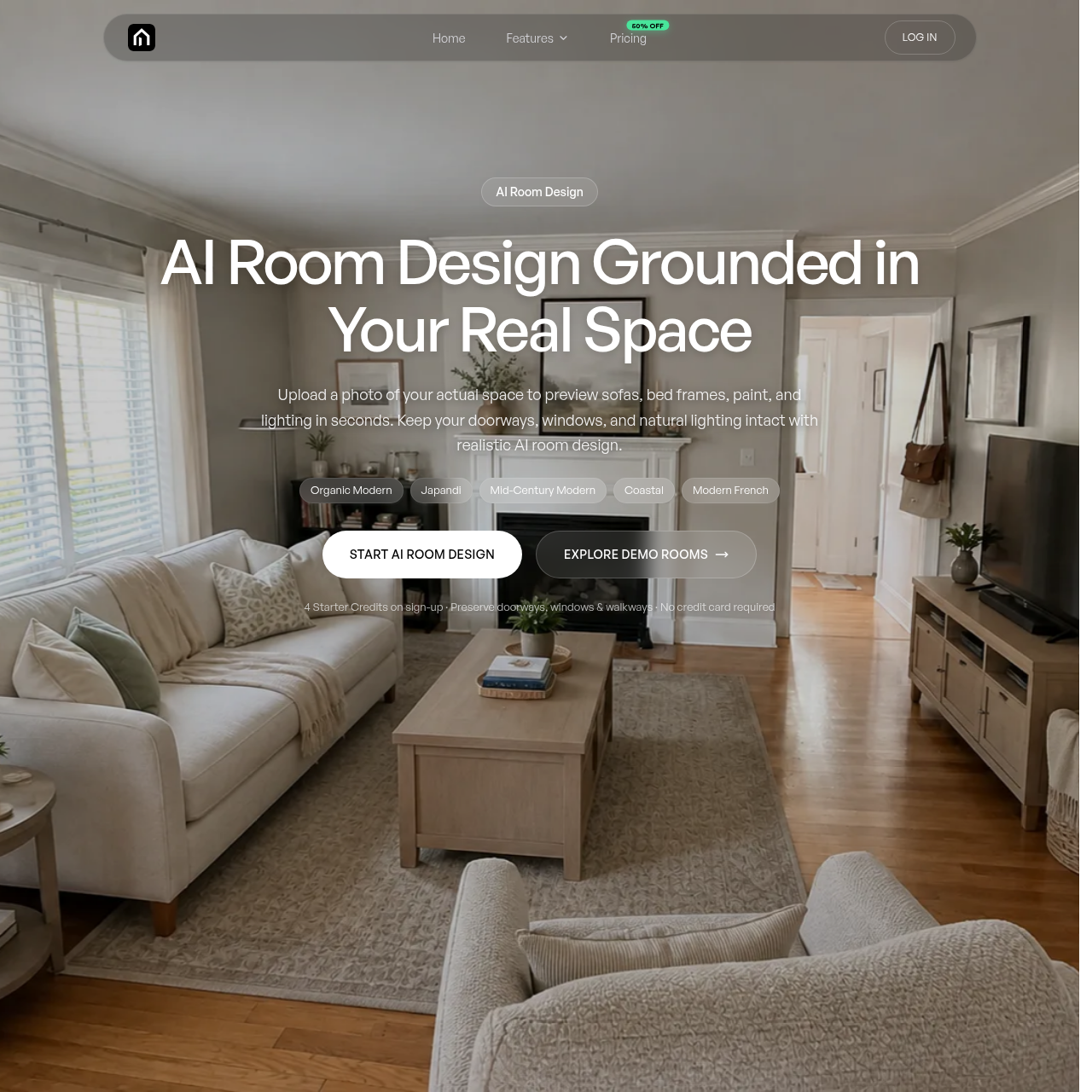
AI Room Design's Overview
AI Room Design Tool is an AI room design and room visualizer platform that lets users upload a photo of their real space and preview furniture, colors, rugs, lighting, and interior styles in seconds. The tool is built to preserve actual room architecture such as doors, windows, walkways, and natural lighting while helping users test room makeovers in styles like Organic Modern, Japandi, Mid-Century Modern, Coastal, and more. It also includes visual product matching to find similar shoppable furniture items with live prices and store links, making it useful for room planning, renter-friendly updates, and pre-purchase furniture checks.
AI Room Design's Features
Photo-based AI room design from real room images
Keep Layout Mode to preserve doors, windows, walkways, and architecture
12 interior design styles including Japandi, Coastal, and Mid-Century Modern
Remodel modes such as Light Refresh, Major Remodel, Free Concept, and Point Edit
Before/after room preview and slider-based comparison
AI auto-detect and item selection for furniture matching
Visually similar product search with live prices and store links
Private photo handling with encrypted storage and one-click deletion
AI Room Design's Q&A
AI Room Design's Pros and Cons
Pros
- Preserves real room architecture for more realistic previews
- Offers a free starter credit offer with no credit card required
- Includes shoppable product matching with prices and store links
- Supports multiple room types and interior design styles
- Provides private, encrypted handling of uploaded room photos
Cons
- Large furniture fit still requires manual measuring before purchase
- AI-generated designs are not perfectly replicable with real products
- Free access is limited to starter credits rather than unlimited use
- Pricing is credit-based, which may be harder to estimate for heavy users
AI Room Design's Use Cases
- Visualizing a room makeover before buying furniture
- Testing room styles in an existing space
- Renter-friendly non-permanent room upgrades
- Checking whether large furniture will fit a room
- Creating shopping lists from AI-generated room designs
- Planning consistent room designs across a home
AI Room Design's Target Audience
- Homeowners
- Renters
- Interior design shoppers
- People furnishing new homes
- Users planning living room, bedroom, kitchen, or bathroom makeovers
- Budget-conscious furniture buyers
AI Room Design's Pricing
New users get 4 free Starter Credits on signup with no credit card required. Paid plans include Starter at $9.9/month billed annually ($119/year), Pro at $24.9/month billed annually ($299/year), and Max at $49.9/month billed annually ($599/year). The site also lists monthly pricing and mentions 50% off on pricing.
AI Room Design's Analytics
Website Overview
Key performance metrics for airoomdesigntool.com
Bounce Rate
0.00%
Pages / Visit
0.00
Total Visits
0
Time on Site
0m 0s
Global Rank
#0
Country Rank
#0
Top Regions
Distribution of traffic by country
Total Visitors
Monthly visitor statistics for the last 3 months
Traffic Sources
Distribution of traffic sources